
Tools — macOS

SGAMA
Free video quality control for Mac.
SGAMA, a free Mac app, checks exported video for offline media, possible freezes and dropped frames before delivery, with timecodes.
Measured analysis times on an Apple silicon Mac
3 min 15 s
4 min 57 s
2–5 s
What it does
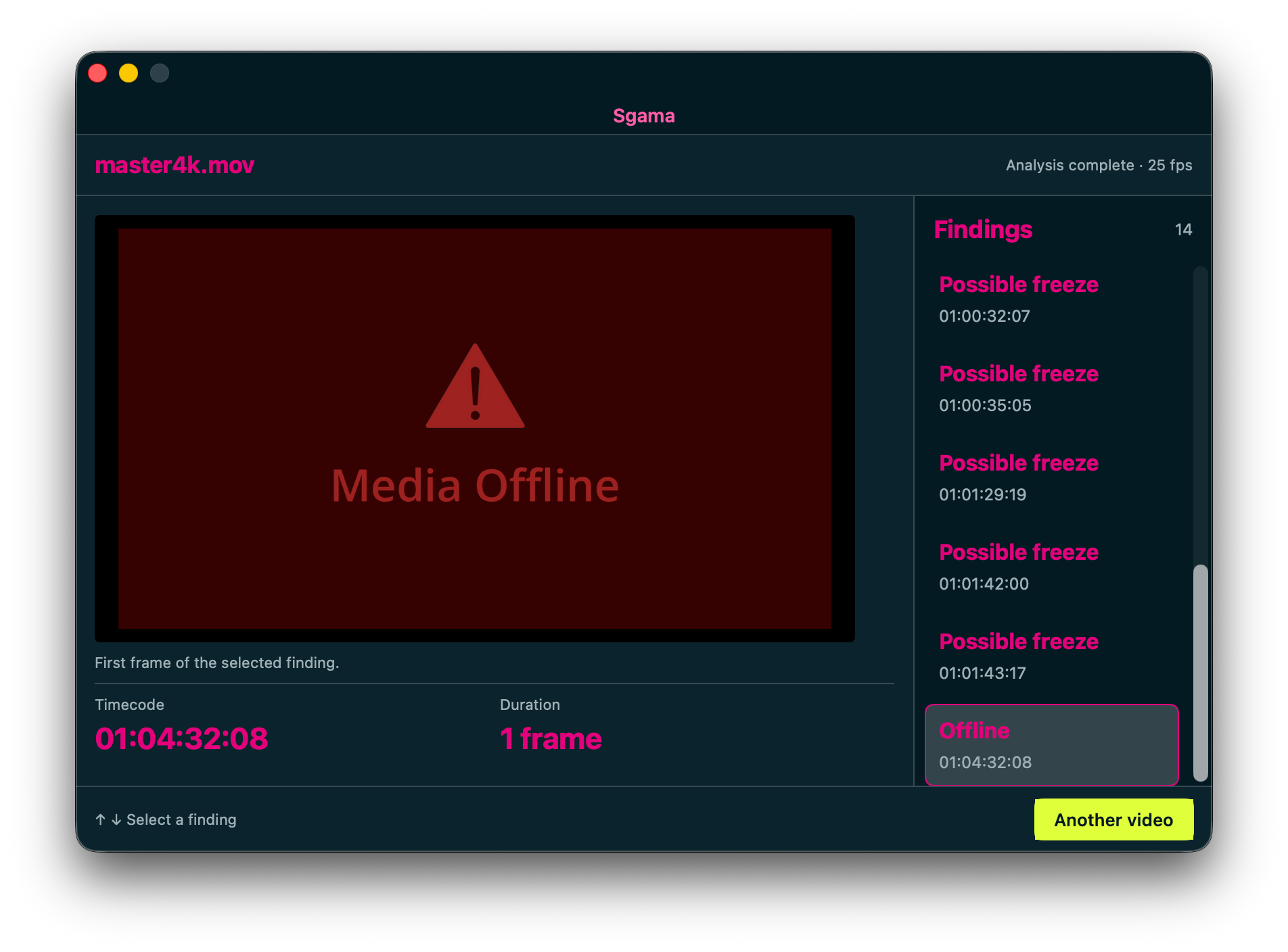
SGAMA checks exported video masters for offline media, possible freezes and dropped frames, with timecodes to review before delivery. A 90-minute 4K ProRes 4444 XQ master takes 3 minutes 15 seconds on an Apple silicon Mac. Without it, you know the film by heart and still have to check the export. With no errors, that takes at least its running time. Every error adds more: you note the timecode, then find the shot in the edit timeline.
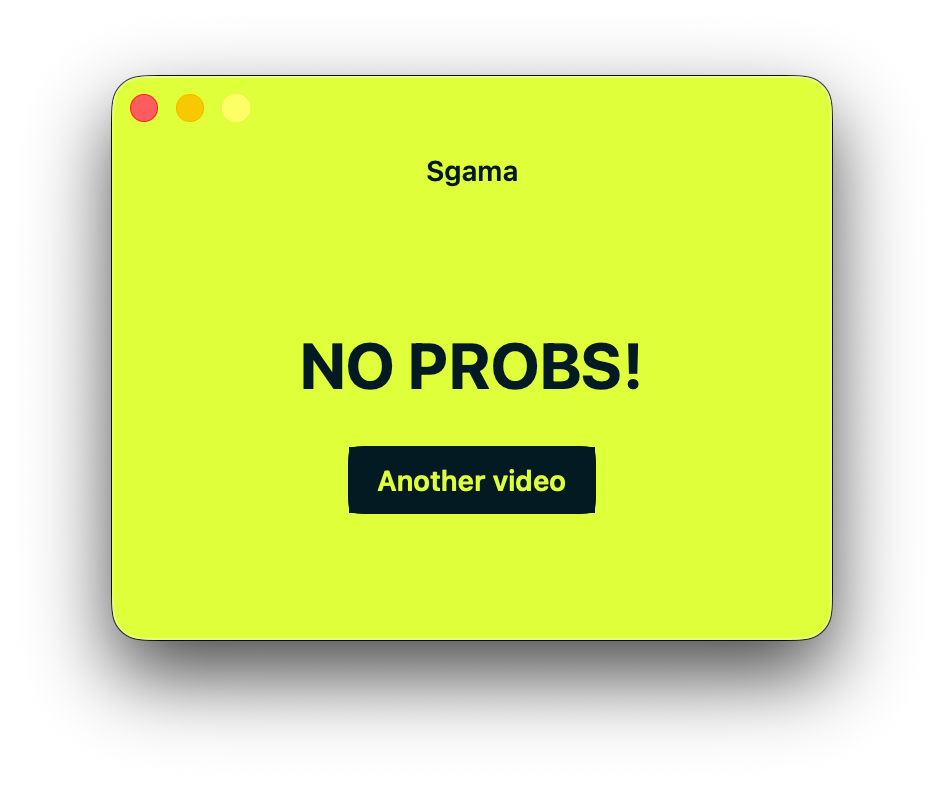
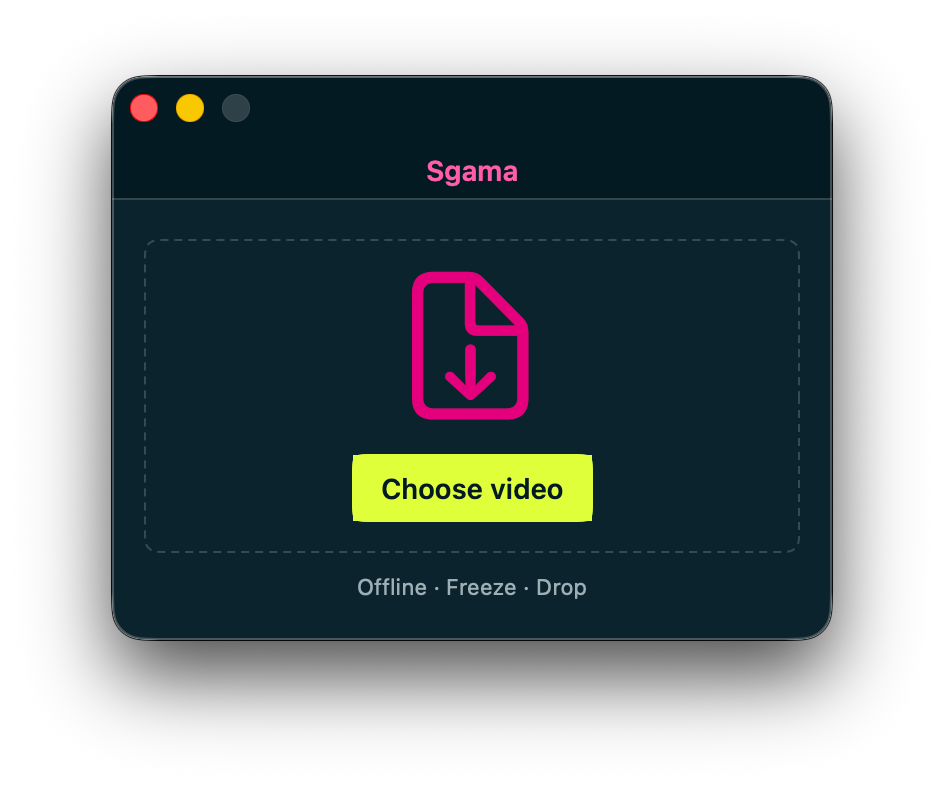
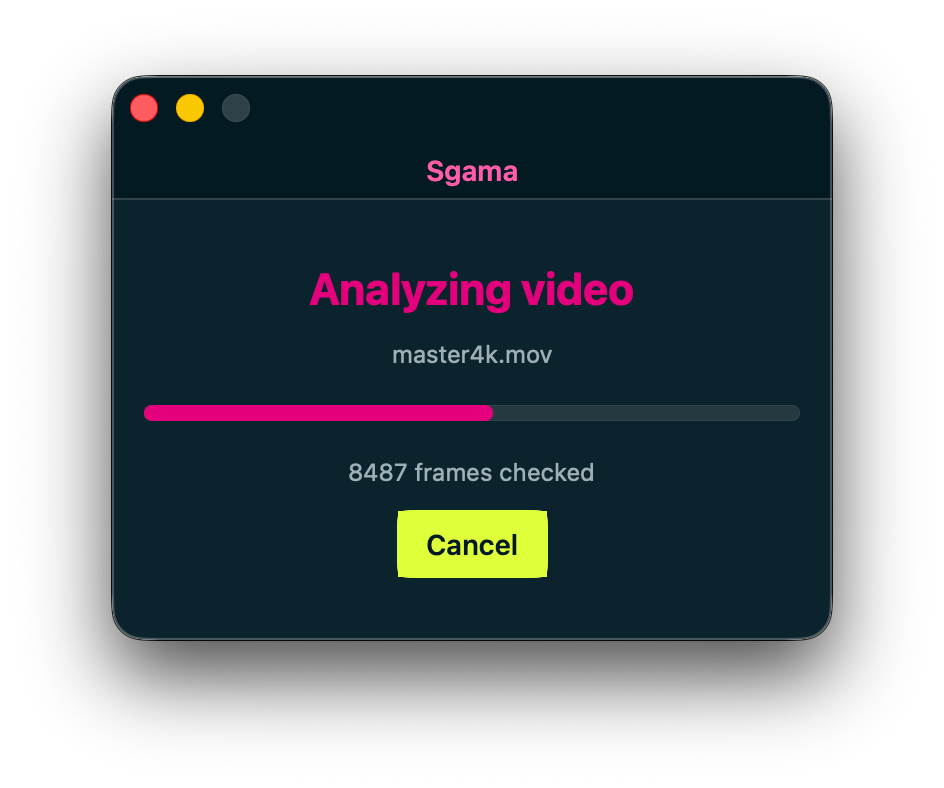
Drag a master onto the window and click Analyze. It reports three kinds of finding: Offline, Possible freeze and Drop. Each comes with the timecode, the duration of the segment and a still of its first frame to review. When none of the three checks finds anything, it shows NO PROBS! on a lime-green screen.
What it checks
Detect offline media in exported videos
An offline card is the frame an editing app renders when a clip’s media is missing. SGAMA recognises the cards of DaVinci Resolve and Adobe Premiere Pro (Media Offline), Final Cut Pro (Missing File) and Avid Media Composer (Media Offline, Proxy Unavailable). The verified versions are listed below.
Find possible frozen frames
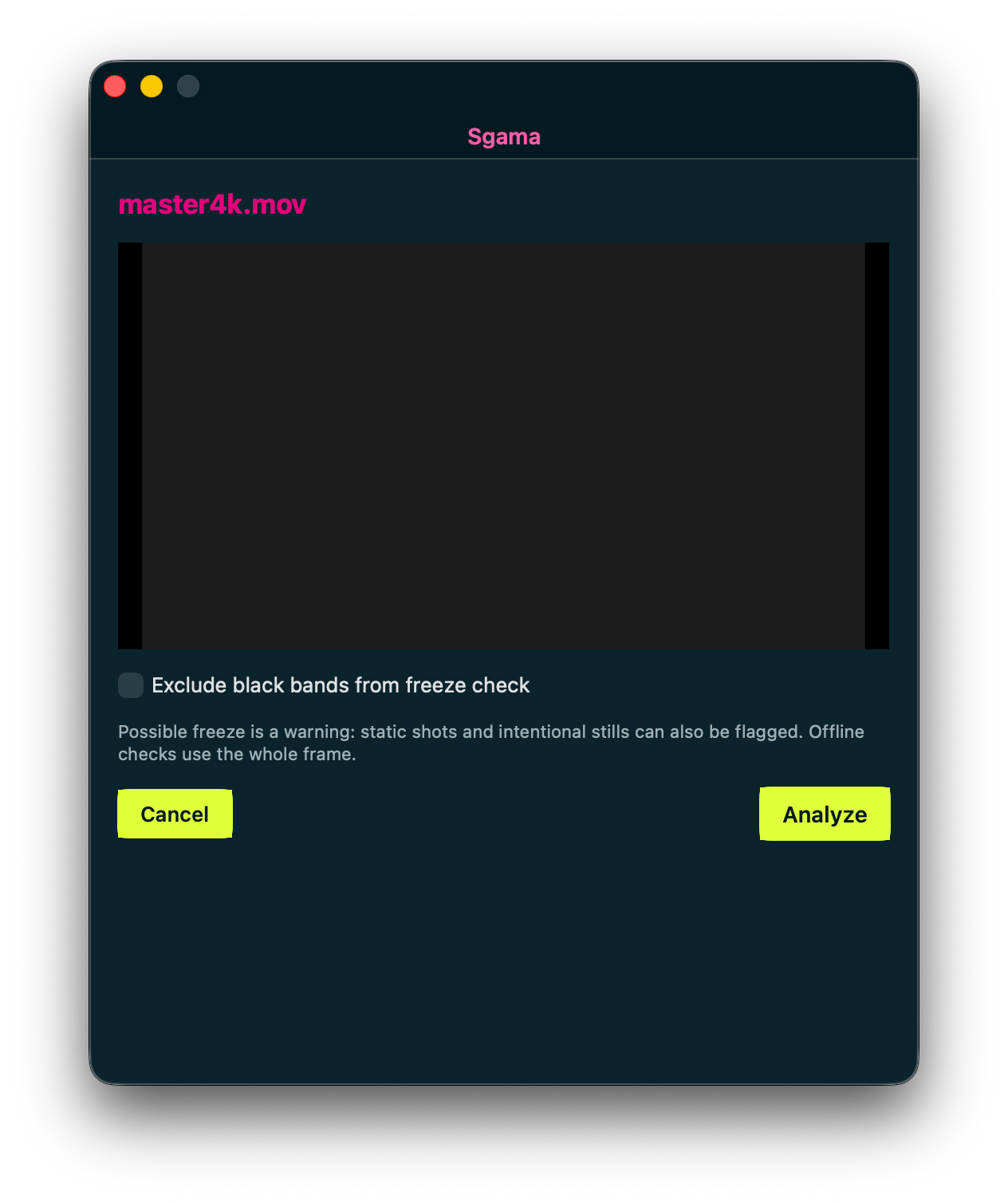
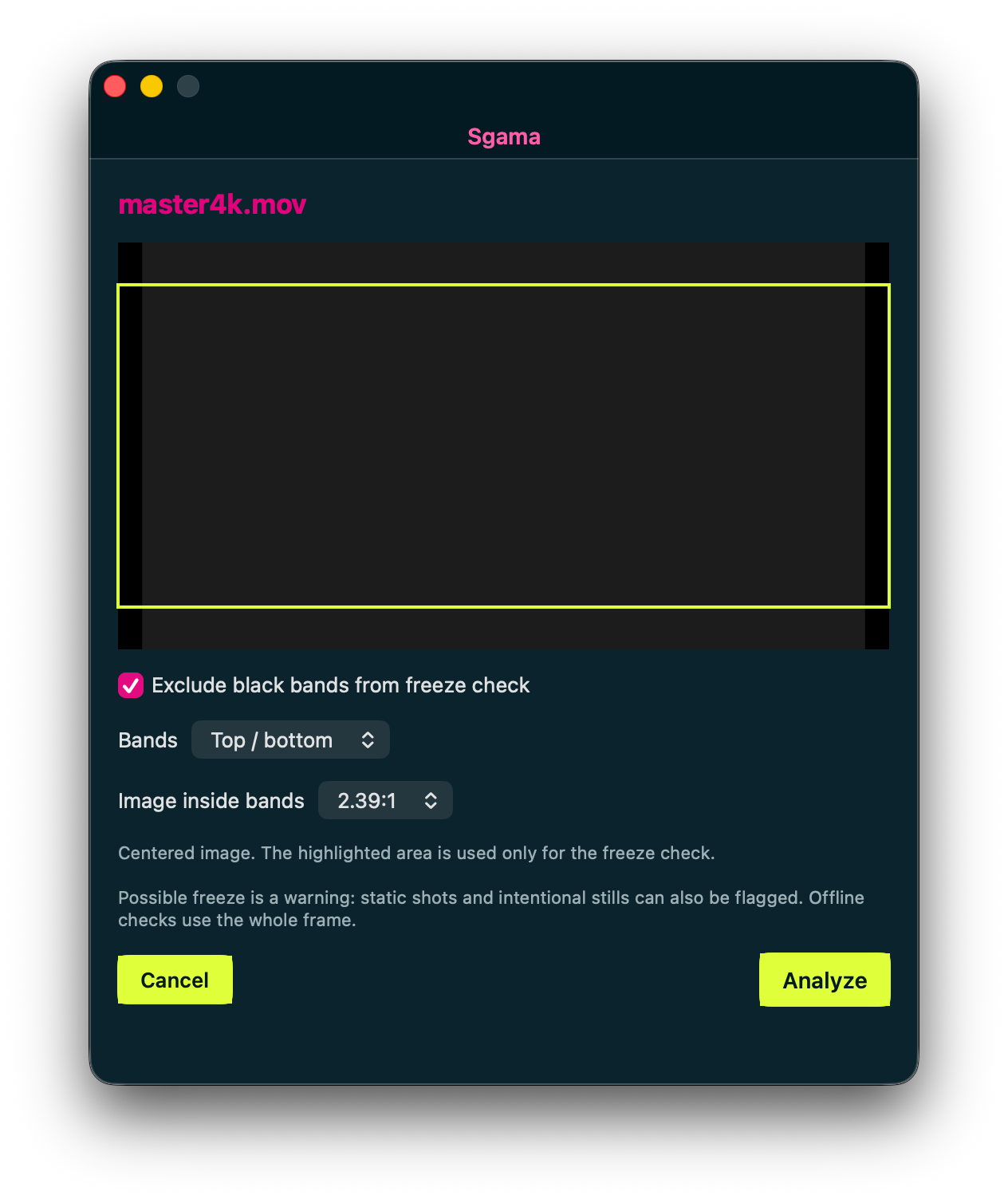
Runs of identical or nearly identical frames. A locked-off shot, a title or an intentional still can be flagged too: a false alarm is better than an error that slips through. If your video has black bars, for example a 2.35:1 picture in a 16:9 frame, you can exclude them from the analysis. This makes the freeze report more accurate.
Check decoding errors and timestamp gaps
Decoding errors, frame counts that do not add up and gaps in the timestamps. Where the number of missing frames can only be estimated, it is marked as an estimate.
Supported video formats
ProRes (Proxy to 4444 XQ), DNxHD and DNxHR, H.264, HEVC and MPEG-2, in MOV, MP4 and MXF. One file at a time.
Camera raw formats and ProRes RAW are not accepted. Export the delivery file first.
Verified offline cards
- DaVinci Resolve — Media Offline, English.
- Adobe Premiere Pro — Media Offline.
- Final Cut Pro — Missing File.
- Avid Media Composer — Media Offline and Proxy Unavailable.
Limits
- The cards above are the variants SGAMA was checked against. Other versions, languages and layouts may not be recognised yet. We are still collecting real exports from Premiere Pro, Final Cut Pro and Avid Media Composer: if you have a short export that shows an offline card, send it to us.
- NO PROBS! means these three checks found nothing. It is not a certification of the delivery, and it does not cover audio, video levels, black or flash frames. We are testing SGAMApro for these and other checks. If you would like to help, write to us.
- Frames removed before a regular export cannot be proven missing without the original as a reference.
- HDR is not validated.
System requirements
| Platform | macOS |
|---|---|
| Minimum system | macOS 13 or later |
| Hardware | Apple silicon |
| Interface languages | English |
| Offline use | Works without a network connection |
Frequently asked questions
What does SGAMA check in a video master?
SGAMA checks exported video masters for offline media, possible freezes and dropped frames. It shows the timecode for each finding so you can review it before delivery.
Can SGAMA check ProRes video masters?
Yes. SGAMA supports ProRes Proxy through ProRes 4444 XQ. ProRes RAW is unsupported. See supported video formats for other codecs and containers.
Can SGAMA detect “Media Offline” frames in a DaVinci Resolve export?
Yes. SGAMA recognises the verified English “Media Offline” card in DaVinci Resolve exports. It also recognises verified variants from Premiere Pro, Final Cut Pro and Avid Media Composer. See the verified offline cards for the current list.
Does SGAMA upload my videos?
No. SGAMA analyses your videos locally on your Mac, without uploading them. The app works without a network connection and sends no analytics or crash reports. See the app privacy notice.
Is SGAMA free, and which Macs can run it?
SGAMA is free to download and use. It requires an Apple silicon Mac running macOS 13 or later. No account is needed.
Does NO PROBS! mean my master is ready for delivery?
NO PROBS! means SGAMA’s Offline, Possible freeze and Drop checks found nothing. It does not certify the delivery or validate audio, video levels, black or flash frames, or HDR. Review the limits and complete the other checks required for your delivery.
Download SGAMA
Free
Direct download for Mac. Your videos are analysed on your Mac and never leave it.
Download SGAMA · DMG ↓Apple silicon · macOS 13 or later · English
Version 0.1.0 · Build 32 · 11,27 MB
Developer ID signed and notarized by Apple.
SHA-256: 9673132c7764c0432ce9bec3bbc51f55537b8f73e59acd866a1b4b337a1e2cab
Download checksum
Future updates: in the app, the menu item below About SGAMA opens the SGAMA page.
SGAMA uses the FFmpeg libraries under the LGPL v2.1. Details and the FFmpeg source are on the support page.